
Learn how to delete or reject timesheets for employees in Payroller
Learn how to delete or reject timesheets for employees in Payroller with our simple guide below.
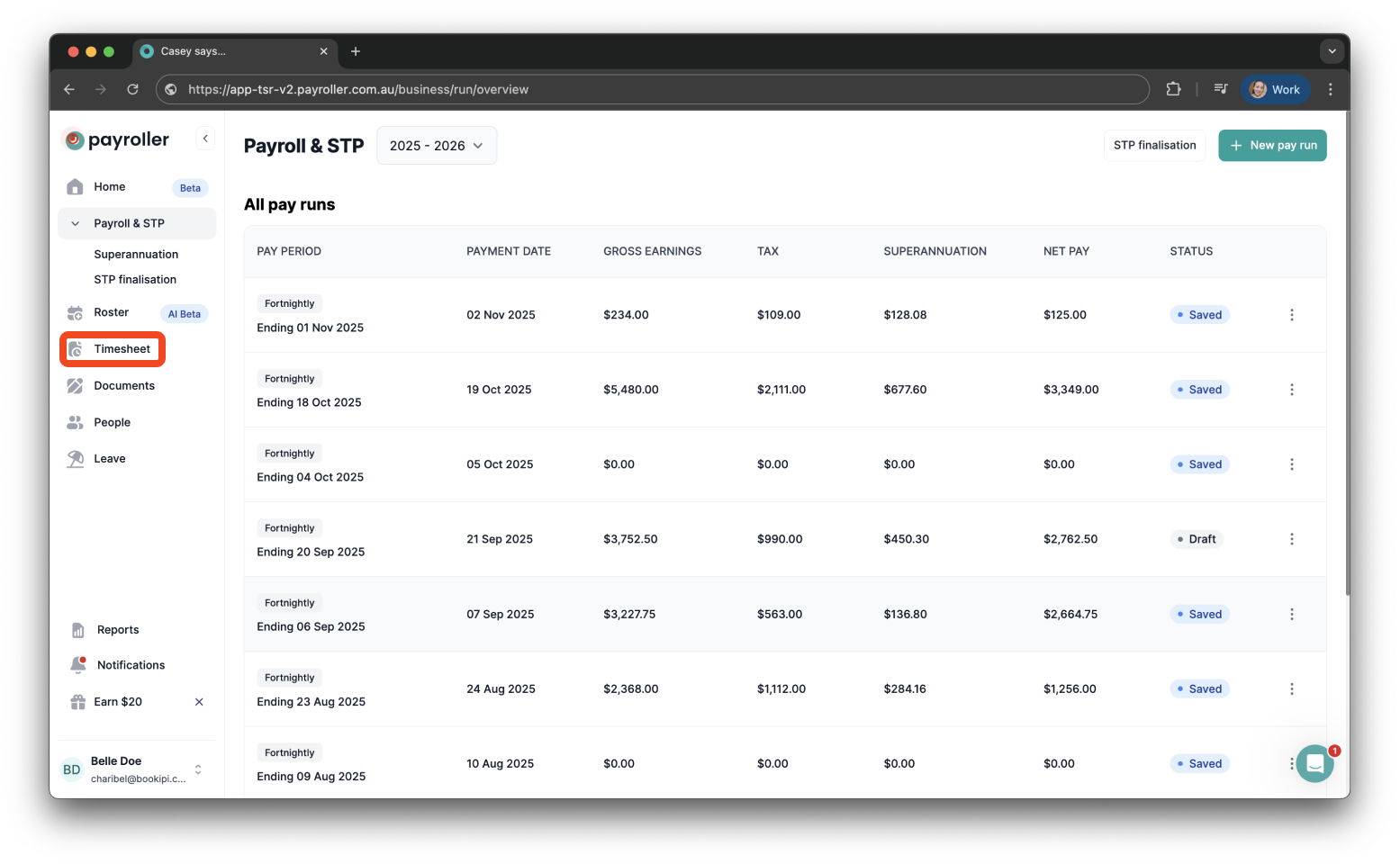
Step 1: Go to ‘Timesheets’.
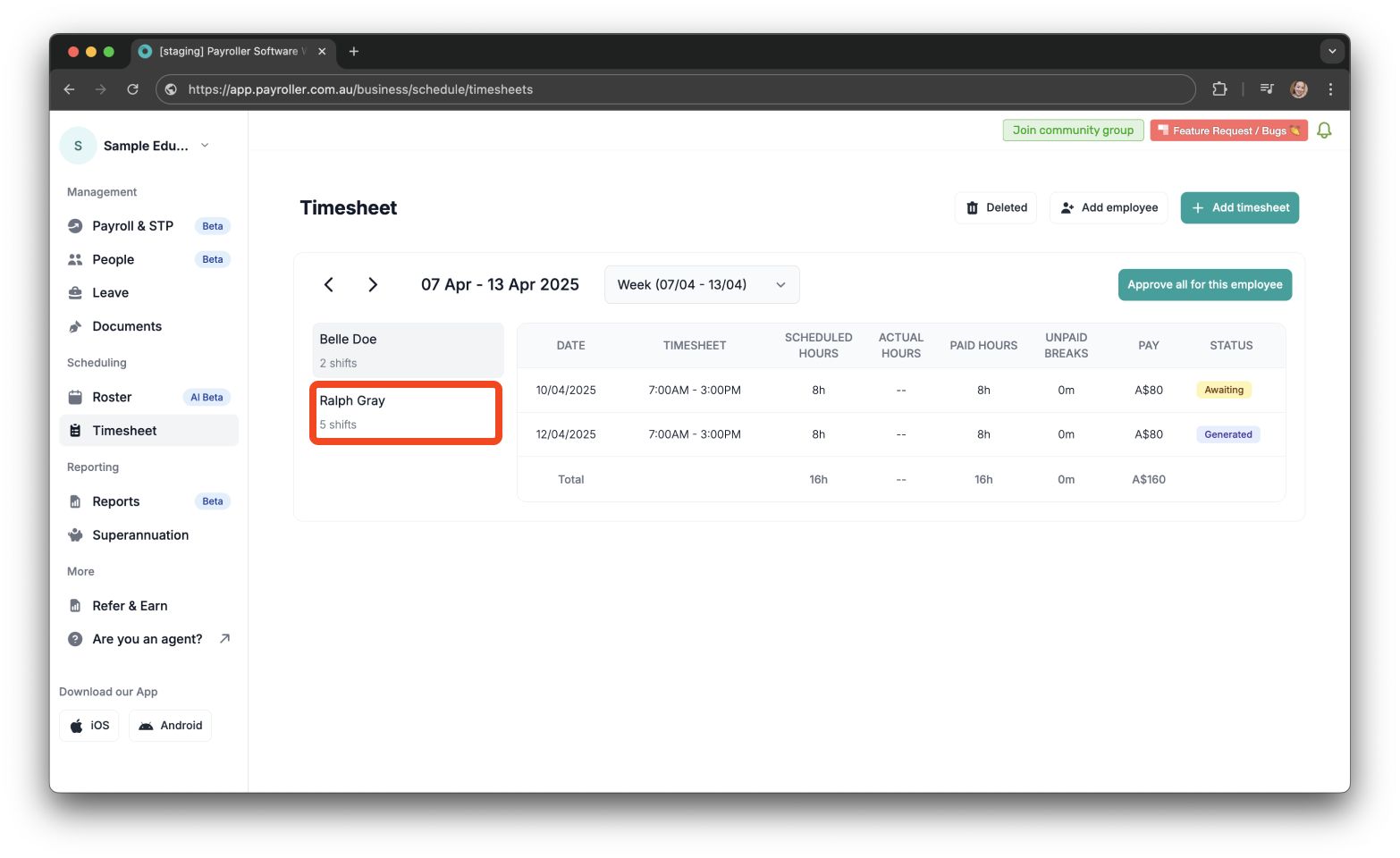
Step 2: Select the employee whose shift you wish to delete.
Step 3: Click the three dots next to the employee’s shift and select ‘Delete’.
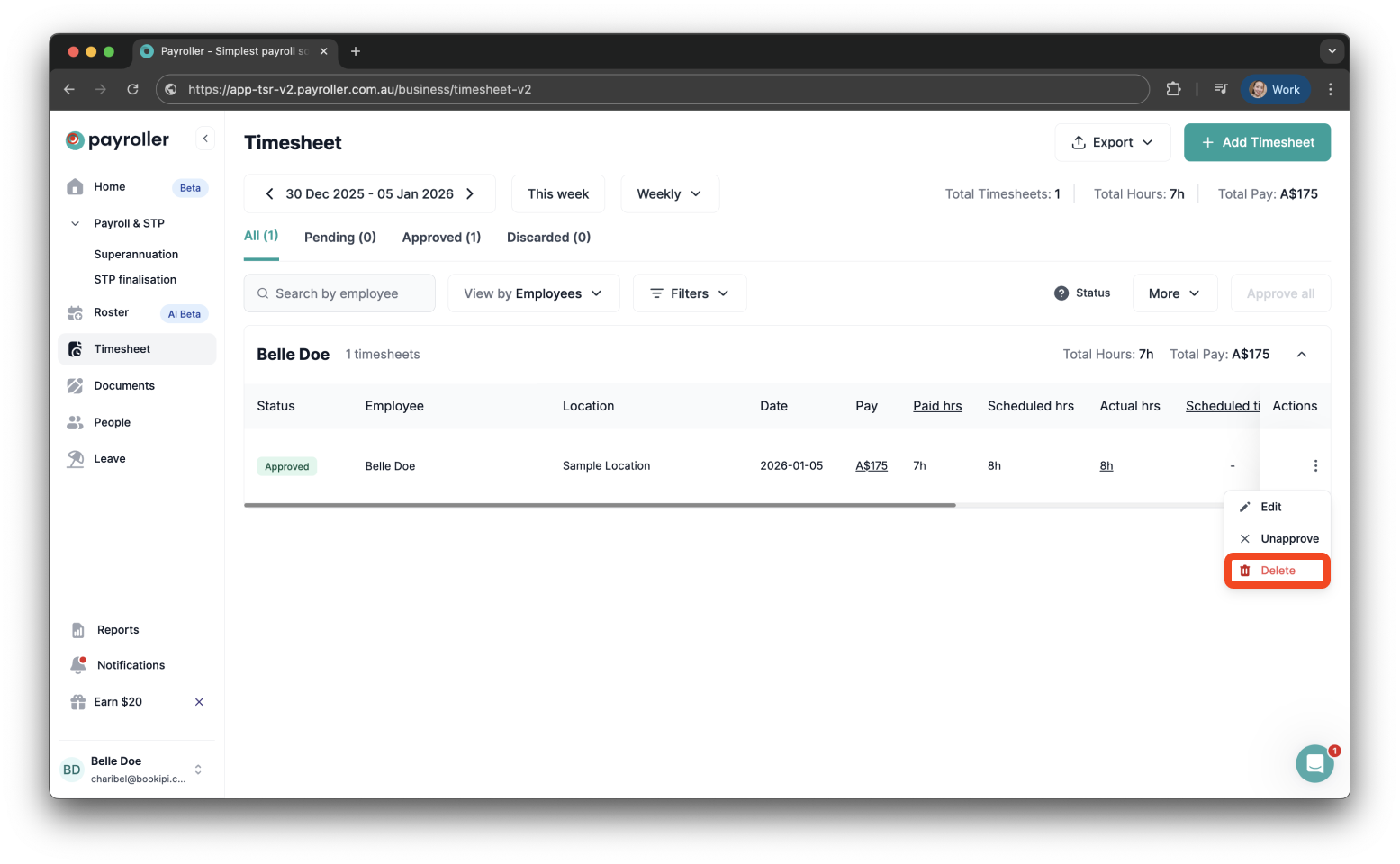
A confirmation message will appear saying ‘Timesheet deleted successfully.’
Learn how to complete other timesheets and rosters functions on Payroller with our other simple guides:
Discover more tutorials for using Payroller
Sign up to Payroller for free timesheets and online rostering solutions.
Access all Payroller features including single touch payroll (STP), staff scheduling and timesheets in web app and mobile app with a Payroller subscription.
Learn more in our Subscription FAQs.