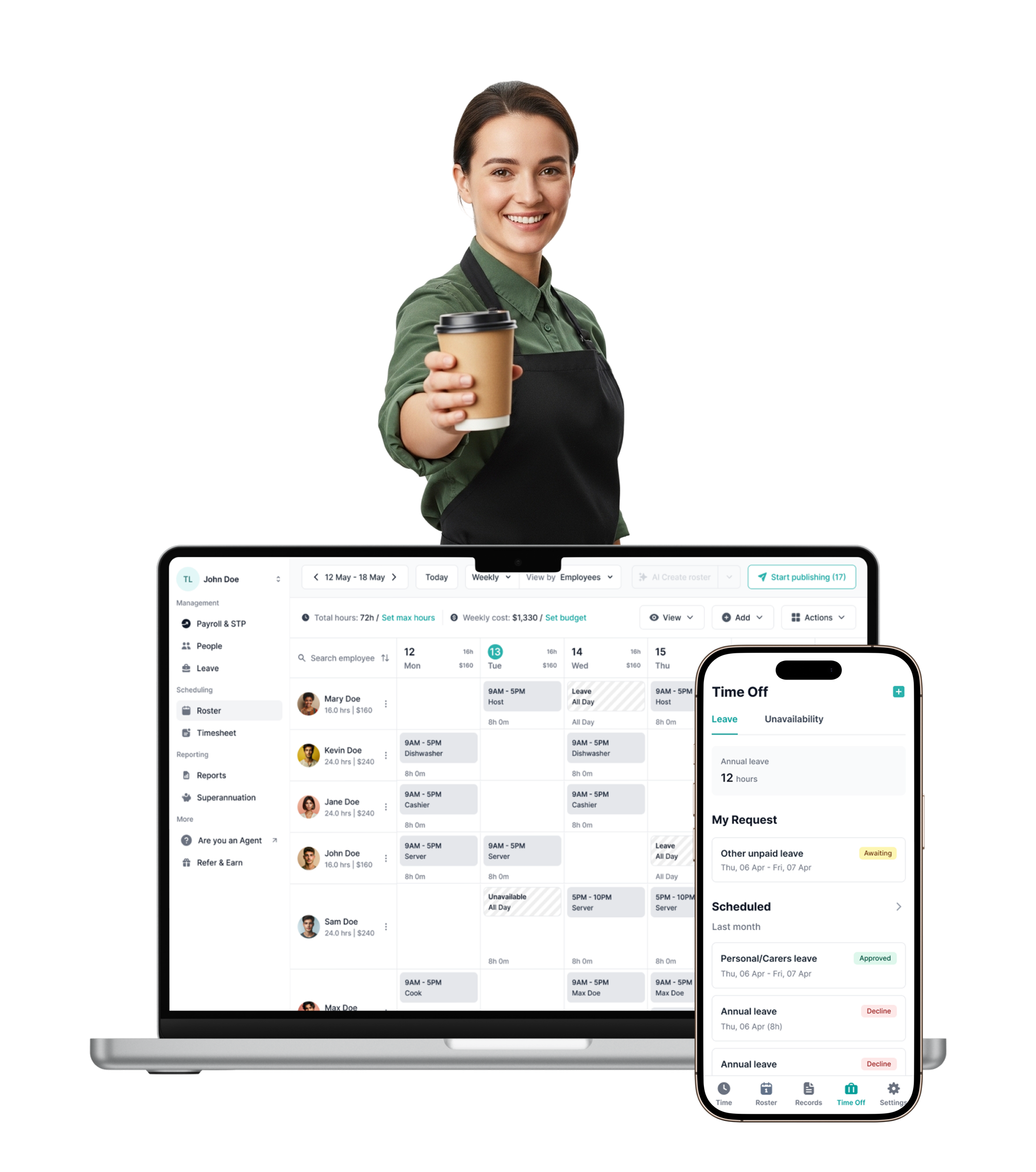
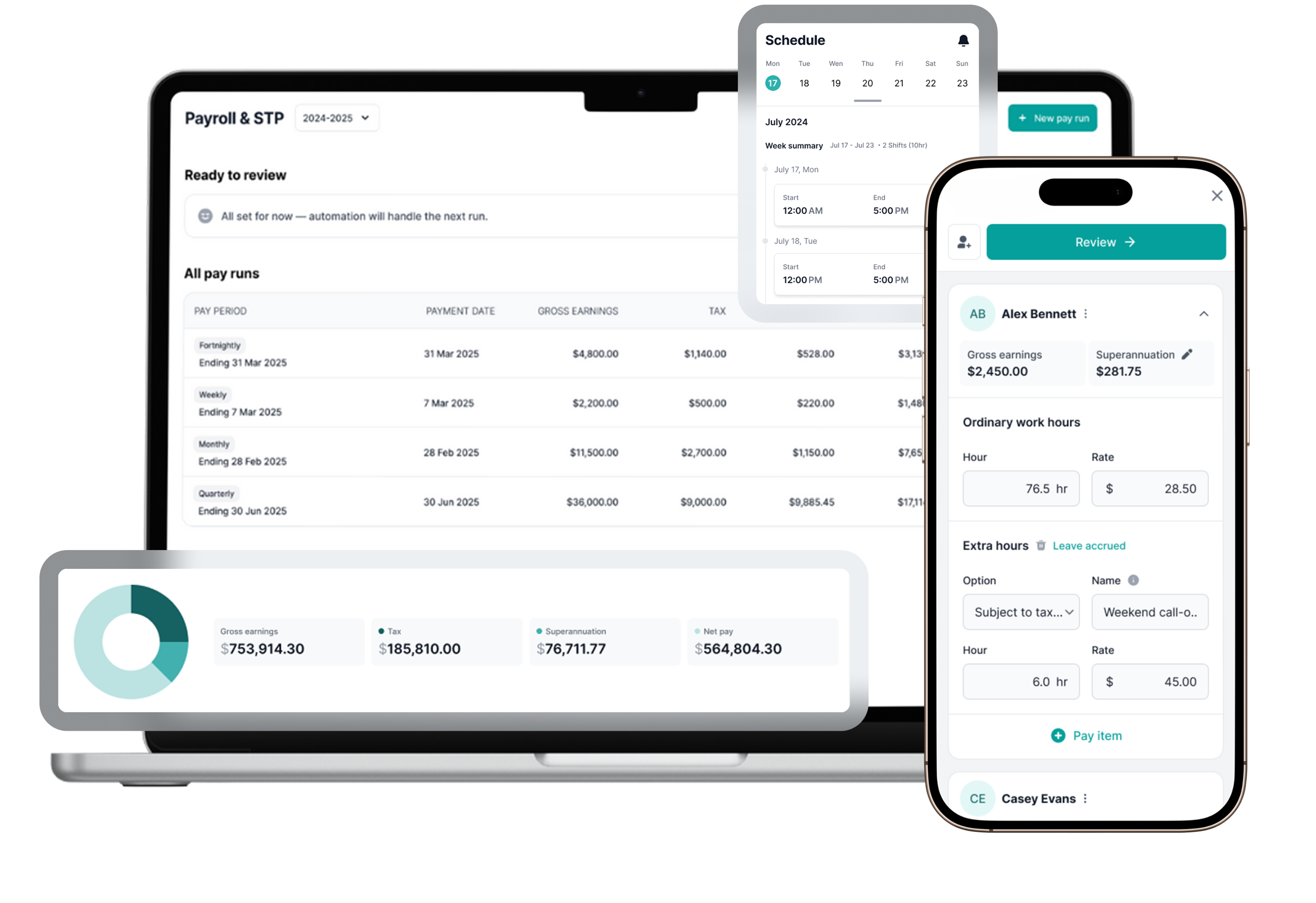
Payroller is built for the realities of restaurant staffing—juniors, casuals, part-timers, and mixed roles all working variable hours. With our rostering software and AI rostering, you can build and publish a full week’s roster in minutes.
Assign shifts by role—waiter, barista, kitchen hand, cook—and set variable shift lengths to match your service windows. Payroller handles the scheduling logic so you can focus on running the floor.
Build predictable weekly structures with roster templates
Most restaurants run on a repeating weekly rhythm. Payroller lets you save your current roster as a template and reuse it week after week—or copy last week’s schedule and make minor adjustments. Build once, repeat indefinitely.
Whether you’re scheduling for a regular trading week or adapting for seasonal periods, recurring shift patterns mean less admin and fewer errors every cycle.
STAFF COMMUNICATION
Reduce no-shows and last-minute confusion
Clear, immediate shift communication is non-negotiable in hospitality. When a roster is published or updated, Payroller automatically notifies staff via the Employee app and email. No more chasing people on WhatsApp.
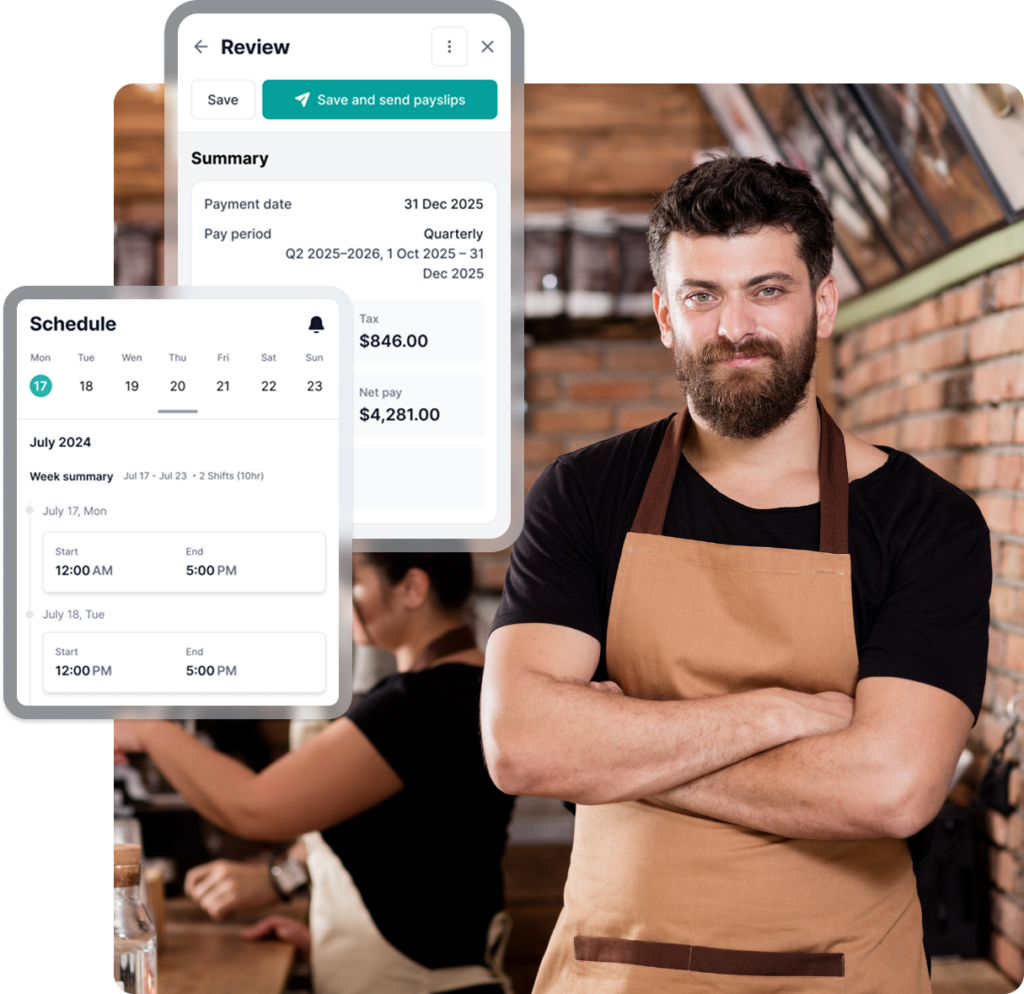
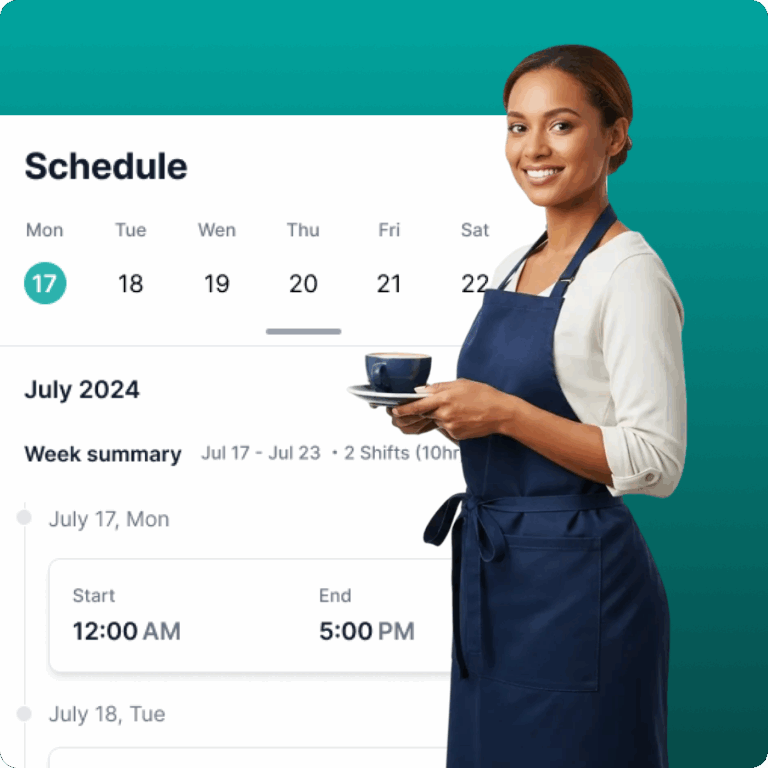
Staff have one place to check their weekly schedule, accept or decline shifts, and see any changes the moment you make them.
Automatic in-app notifications when shifts are published
Instant alerts when shift changes occur
Employees accept or decline rostered shifts directly in the app
LABOUR COST CONTROL
Track labour costs before you publish
Restaurants operate on tight margins. Payroller shows you wage estimates and weekly labour cost budgets based on rostered hours—before you hit publish. Spot accidental overtime, identify overstaffing, and stay within budget without switching between platforms.
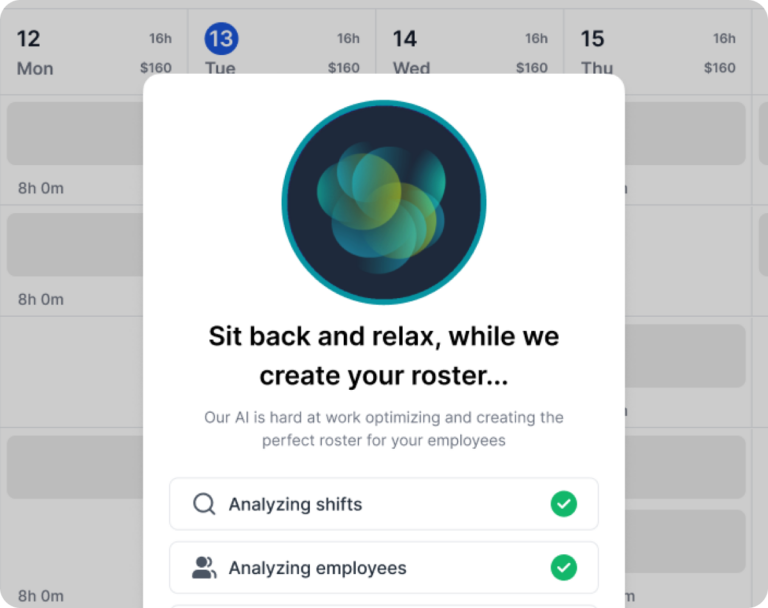
Our AI rostering system optimises shift assignments in real time with cost tracking built in, so you’re always making staffing decisions with full visibility over the numbers.
85 % of our users run their first payroll in under 15 minutes.
If you are a small business and with one employee, this software is fabulous. All you need, on your phone, access from any computer. Calculates everything for you. Can’t say enough good things about it.
Very easy to set up and use and for me who is limited on IT knowledge, thats a bonus
Really simple to use for a small business such as mine and with just enough features on the plan I have for my needs. Been on it since STP took off a couple of years ago and highly recommend it.
Payroller has made setting up our payroll simple! Like so simple anyone can do it! Definitely recommend it!
Easy to use and fantastic for a small business with a few employees.
Frequently asked questions about payroll for small business
Yes. When setting up Payroller, you add each employee’s role and position. When building a roster, you can filter and assign shifts by role, making it easy to ensure the right mix of front-of-house and kitchen staff for each service.
When you publish a roster or update a shift, Payroller automatically sends notifications to affected employees via the Employee app and email. Staff no longer need to chase the manager or check a printed sheet on the fridge.
Yes. Employees receive their rostered shifts in the Employee app and can accept or decline directly. As the employer, you can see responses in real time and reassign shifts as needed to make sure every service is fully covered.
Yes. Payroller displays wage estimates and weekly labour cost totals based on the hours you’ve rostered before you publish. This helps you avoid accidental overtime or overstaffing during quieter trading periods.
Yes. Payroller supports recurring shifts and roster templates. Save your current week’s schedule as a template and apply it to future weeks with a single click, making adjustments only where needed.
You can update any shift in real time and republish immediately, either the single changed shift or the full updated roster. Staff are notified instantly through the app and via email so no one is left in the dark.
Yes. Payroller is well-suited to the casual and part-time staff mix common in restaurants. You can set variable shift lengths, assign different pay rates by role or employee type, and manage multiple staff categories within the same roster.
Yes. Employees can clock in and out of shifts directly in the Employee app, which feeds into timesheets that you can review and approve. Once approved, payroll runs automatically from those hours—no manual entry required.
Yes, Payroller is integrated with Xero. By connecting your Xero account to Payroller, you can easily export and share payroll information cross-platforms.