





Set it,
float it,
forget it,
that’s automated payroll
Payroll automation made simple for Australian small businesses
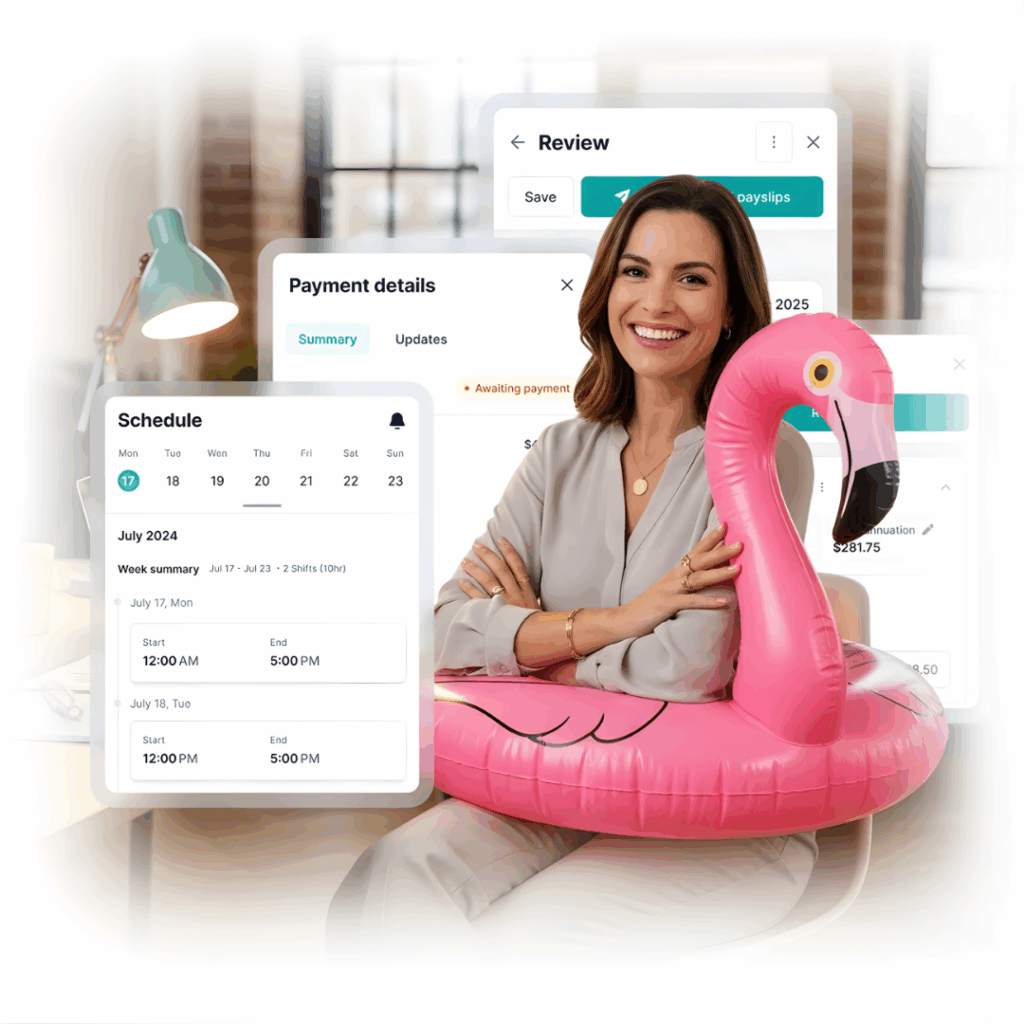
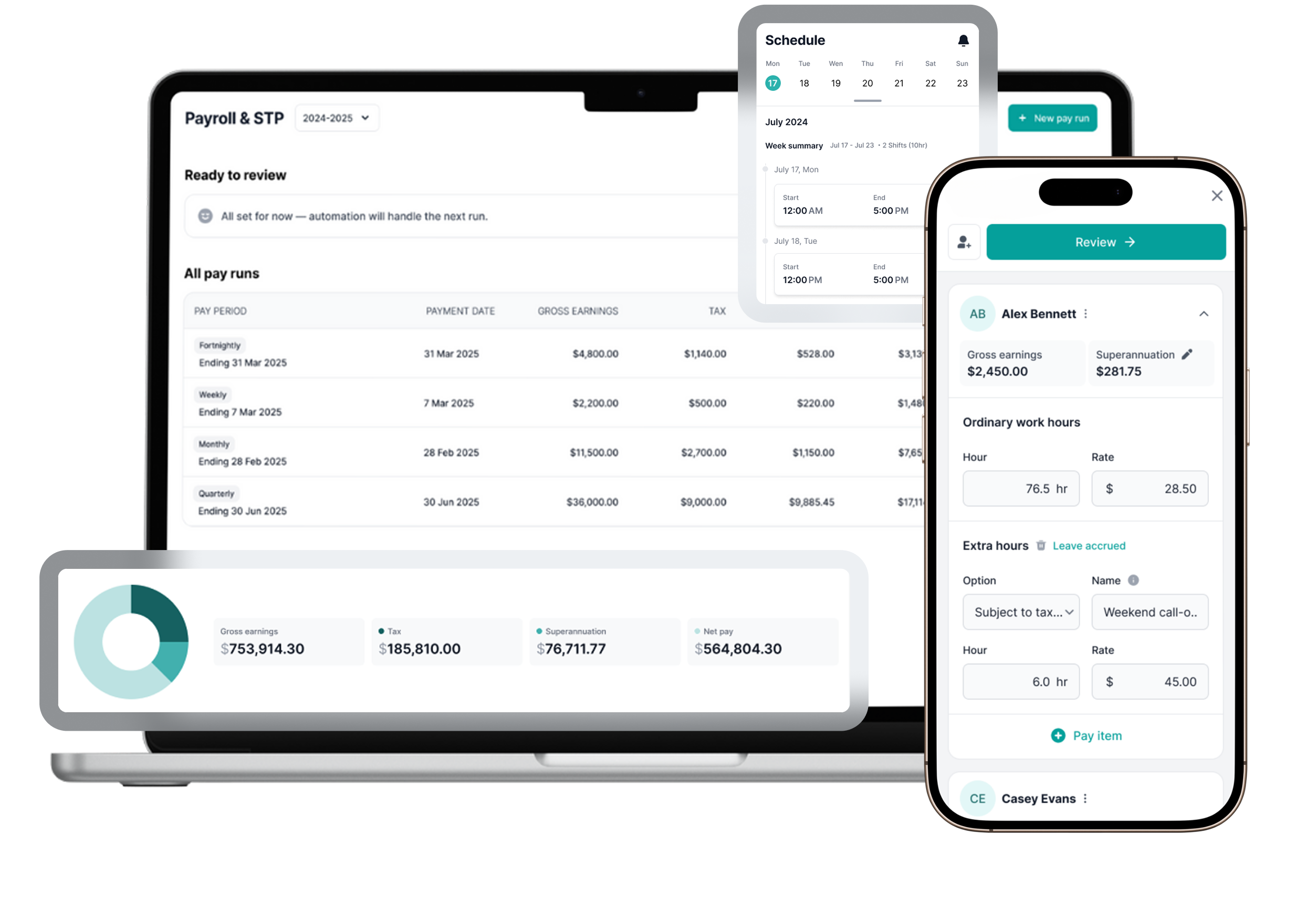
Payroller’s payroll automation takes care of the busywork — your payroll runs itself while you stay focused on your business.
Once your pay runs are up to date, simply set your schedule, enable automation, and float through payday knowing it’s all accurate, on time, and compliant.
Haven’t signed up to Payroller yet? Join over 180,000 Australian small businesses and see how automation saves hours every week.
By clicking Try for Free, you agree to our terms of services and privacy policy.
How smart Aussie businesses stay afloat with automated payroll
Say goodbye to manual payruns
With payroll automation, you never need to manually set up payruns that stay the same every pay day.
Effortless compliance boost
Automated payroll reduces payroll mistakes, helping you stay accurate and compliance.
Scales easily as staff grow
Easily handle increased employee headcount and complexity without additional time resources.
How to enable Payroll Automation in Payroller
If you’re already using Payroller to run payroll, turning on automation takes just a few clicks.
Step 1
Update your pay runs
Ensure your most recent pay run is up to date and you’re subscribed to Payroller.
This data is used to automatically create your future pay runs.
Available only for Payroller users on Version 2 (new interface).
Step 2
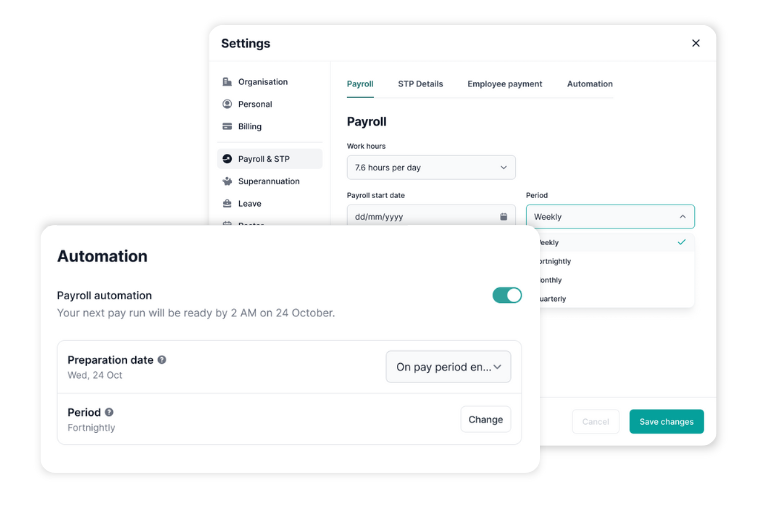
Enable automation
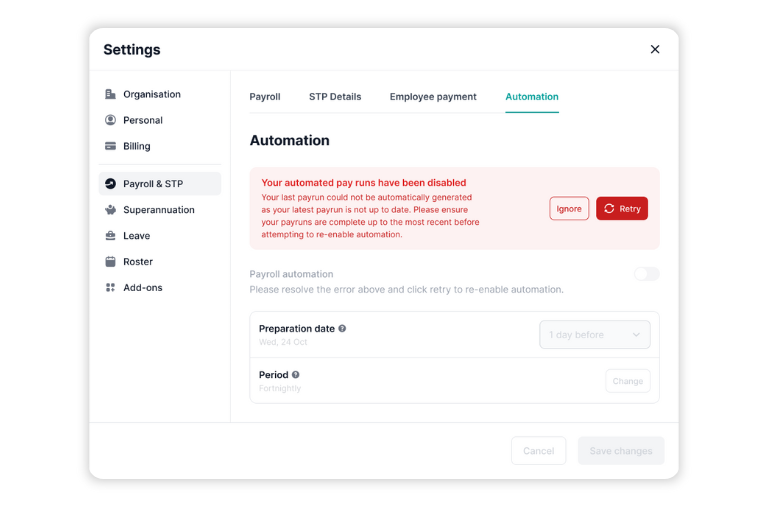
When your latest pay run is up to date, you’ll see a banner at the top of the payroll STP page. Click Enable, then Automate pay runs.
You’re now set up.
Step 3
Review and finish
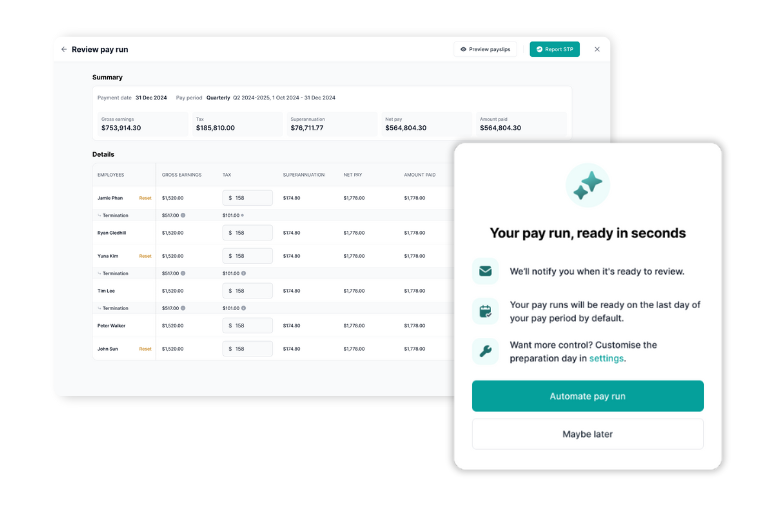
You’ll receive an email when your automated pay run is ready.
Review it and complete payroll as usual.
To update timing, go to Settings → Payroll, STP & Automation.
Available for Payroller users on Version 2 (new interface). If you’re using the new look Payroller, click above to enable automated pay runs instantly.
Why automate your payroll?
Manual pay runs take time, and time is money. Payroll automation removes repetitive setup, reduces human error, and keeps your business compliant with the latest ATO updates. Focus on running your café, job site, or team — not your payroll.
Save time: Pay runs are ready each week with no manual setup.
Stay compliant: Always up to date with ATO rates and rules.
How payroll automation works
Choose how often you pay staff — weekly, fortnightly, or monthly.
Turn on “Automate Payruns” in your dashboard (only available if your payruns are up to date).
You’ll still get notified by email to check and approve before STP submission so you stay in control.
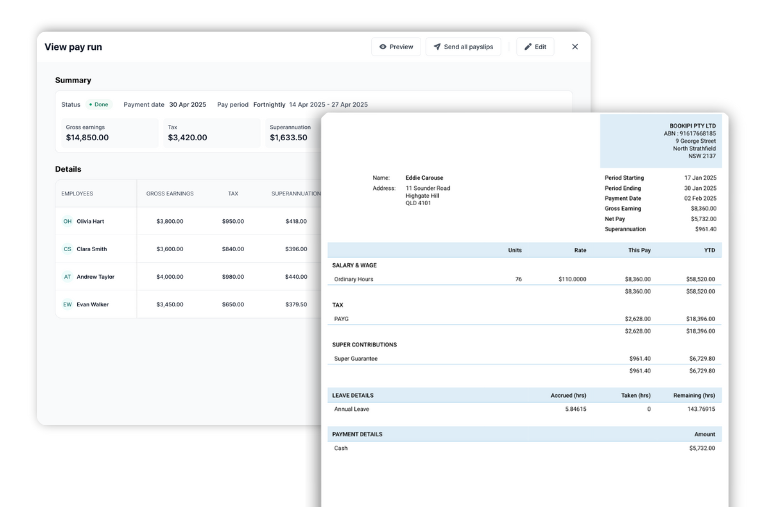
Once approved, Payroller automatically handles calculations, payslips, and STP filing.
Who’s eligible for automation?
Automation is available to all subscribed Payroller users with consistent pay runs.
To be eligible:
Your past pay runs must be up to date.
You must have a current subscription.
Your employee and timesheet details must be accurate.
Avoid common errors before you automate
Review employee details and pay items.
Make sure STP submissions are current.
Close any drafts or missed payruns.
If something looks off, Payroller will flag this error before your automation starts — so you can fix it in seconds.
Payroller — more than just payroll
Rosters & Timesheets: Track hours, shifts, and breaks in one place.
STP & Super Compliance: Always compliant, always accurate.
Employee App: Payslips, rosters, and updates all in one simple app.
Set it.
Float it.
Forget it.
Here’s how payroll automation works.
What our users say about Payroller
EXCELLENT Based on 3027 reviews Posted on Marika MartinezTrustindex verifies that the original source of the review is Google. easy to use payroll systemPosted on Karen CoatsworthTrustindex verifies that the original source of the review is Google. easy to use once set upPosted on Barry HowatTrustindex verifies that the original source of the review is Google. Best app ever, works well very very easy to use recommend it for any one, Luv IT! Well done. Cheers Baz The Weed Terminator. Esperance WA.
Get automated payroll services from
a 5-star, compliant solution
$0.99/month per employee *

Leave Management

Employee App

Payroll & STP on Mobile

Payroll & STP on Web

STP Phase 2 Enabled

Superannuation

Xero Integration
Contact us

Leave Management

Employee App

Payroll & STP on Mobile

Payroll & STP on Web

STP Phase 2 Enabled

Superannuation

Xero Integration
*.99c per user for the first 3 months valid to eligible users
Try Australian payroll software for free.
- 5 minute setup
- 30-day money back guarantee
- No contract period
Create your free account now!
* By clicking “Try For Free“, you agree to our terms of service and privacy policy.
Frequently asked questions about payroll automation
What is payroll automation?
Payroll automation is the process of using software to manage wage calculations, tax deductions, and employee payments automatically, streamlining payroll tasks and minimising manual errors.
What can you automate with Payroller's payroll software?
With Payroller’s payroll automation, you can automate wage calculations, leave accruals, superannuation, tax filings, compliance updates, payslip distribution, and employee payments in one easy system, giving access to automated payroll services designed for efficiency.
How do small businesses use payroll automation?
Small businesses use the automation of payroll to save time on repetitive tasks, ensure accurate pay runs, manage payroll reports, and easily scale payroll processing as their workforce grows—making automated payroll systems accessible even for teams with limited admin support.
Are there any risks to using payroll automation?
While automated payroll services greatly reduce manual errors, risks like incorrect setup, missed updates, or integration issues can lead to compliance problems or payment delays; choosing robust automated payroll systems with reliable support and keeping software current helps mitigate these risks.
How do I start automating my payroll?
To automate your payroll, choose a trusted payroll automation software, enter your workforce data, set your pay schedule, and activate features for automated payroll services; most systems offer step-by-step guidance to help configure payroll automation in minutes.